OrderBookApp · free for one user · free for every vendor and customer

Your WhatsApp orders,
finally on one board.

Keep sending orders on WhatsApp or email exactly as you do today. OrderBookApp keeps the status in one place, and your vendors and customers can update it themselves, at no cost to them.

  • No card, no setup project
  • Vendors and customers join free
  • Track it yourself until they do
Purchase order#PO-1042
Vendor
Bright Supplies Co.
Items
Office Chairs (10)
Date
12 Mar 2024
01

Place it

Create the PO here, or attach the one you already have.

Dispatch note#DN-7781
Vendor
Bright Supplies Co.
Items
Office Chairs (10)
Dispatched
16 Mar 2024
02

Track it

Share on WhatsApp or email as usual. The status is tracked here.

Invoice#INV-5520
Vendor
Bright Supplies Co.
Amount
£1,250.00
Date
28 Mar 2024
03

Close it

Attach the invoice, log the payment, done.

One portal for all your vendors and customers. They pay nothing. You stop chasing.

Send your first invite
01

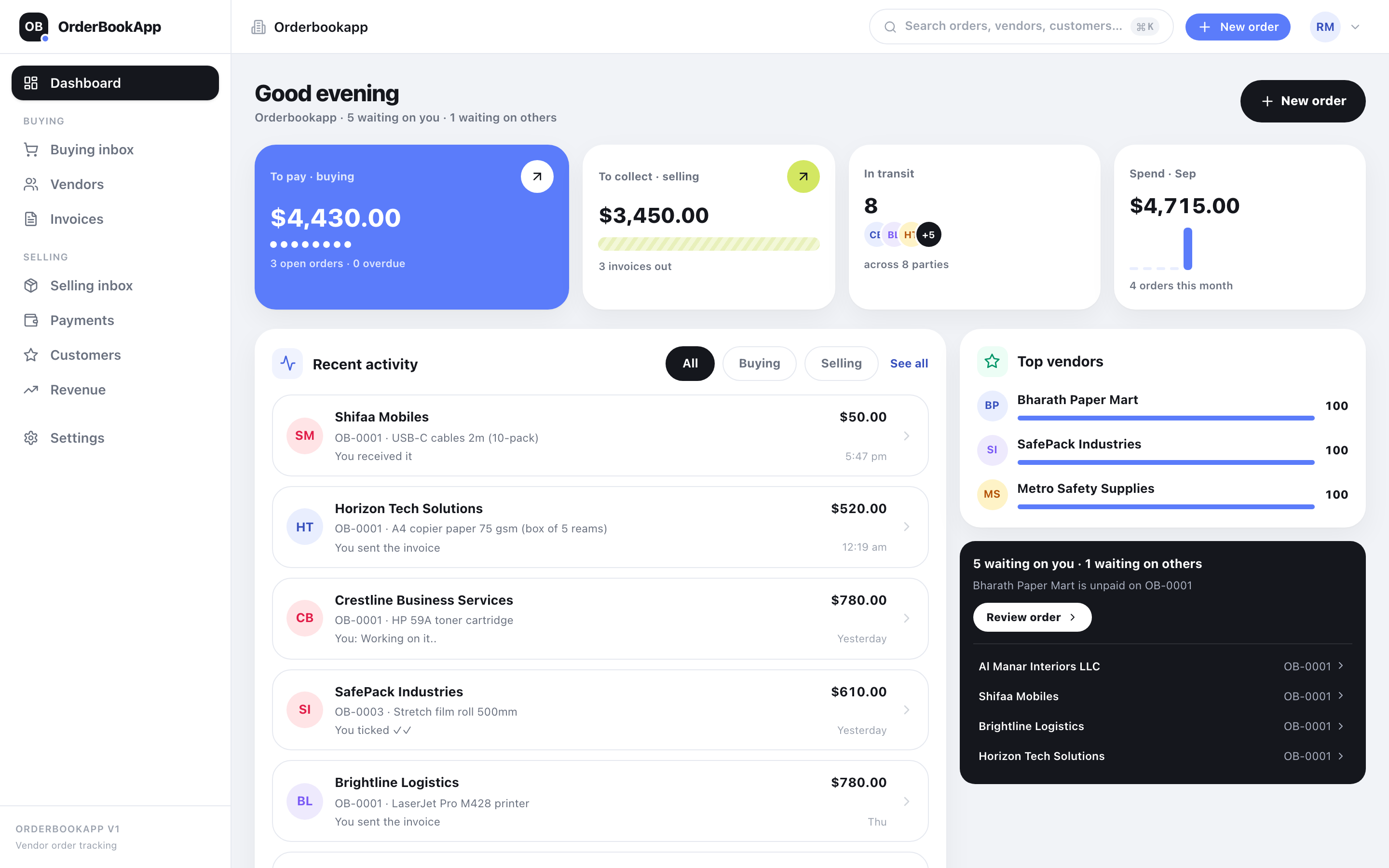
One dashboard for both sides.

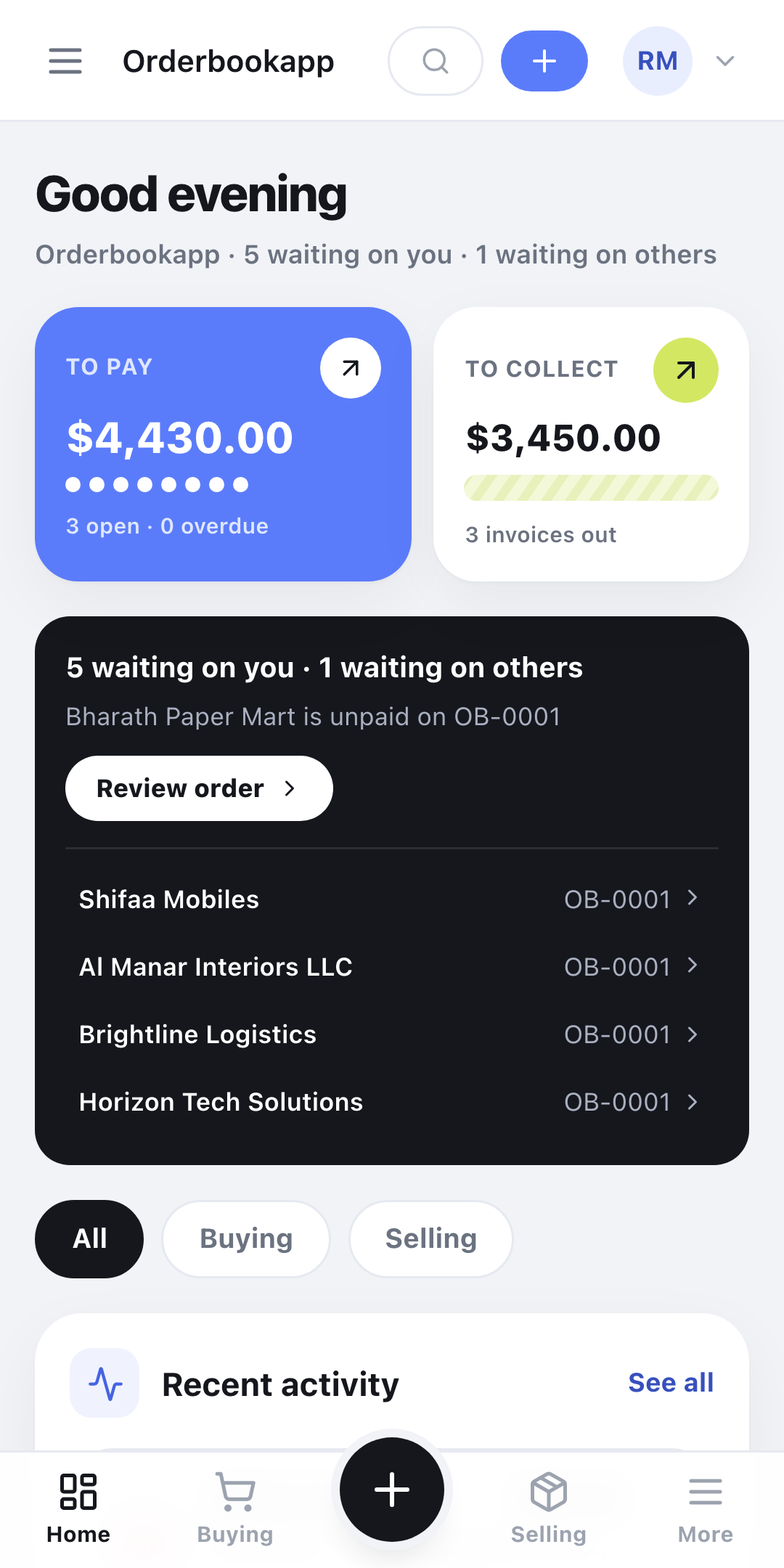
What you owe, what you are owed, and what is still in transit, on one screen — with this month’s spend beside it. Buying and selling live in the same order book, so you never switch tools to see the other half of your business.

02

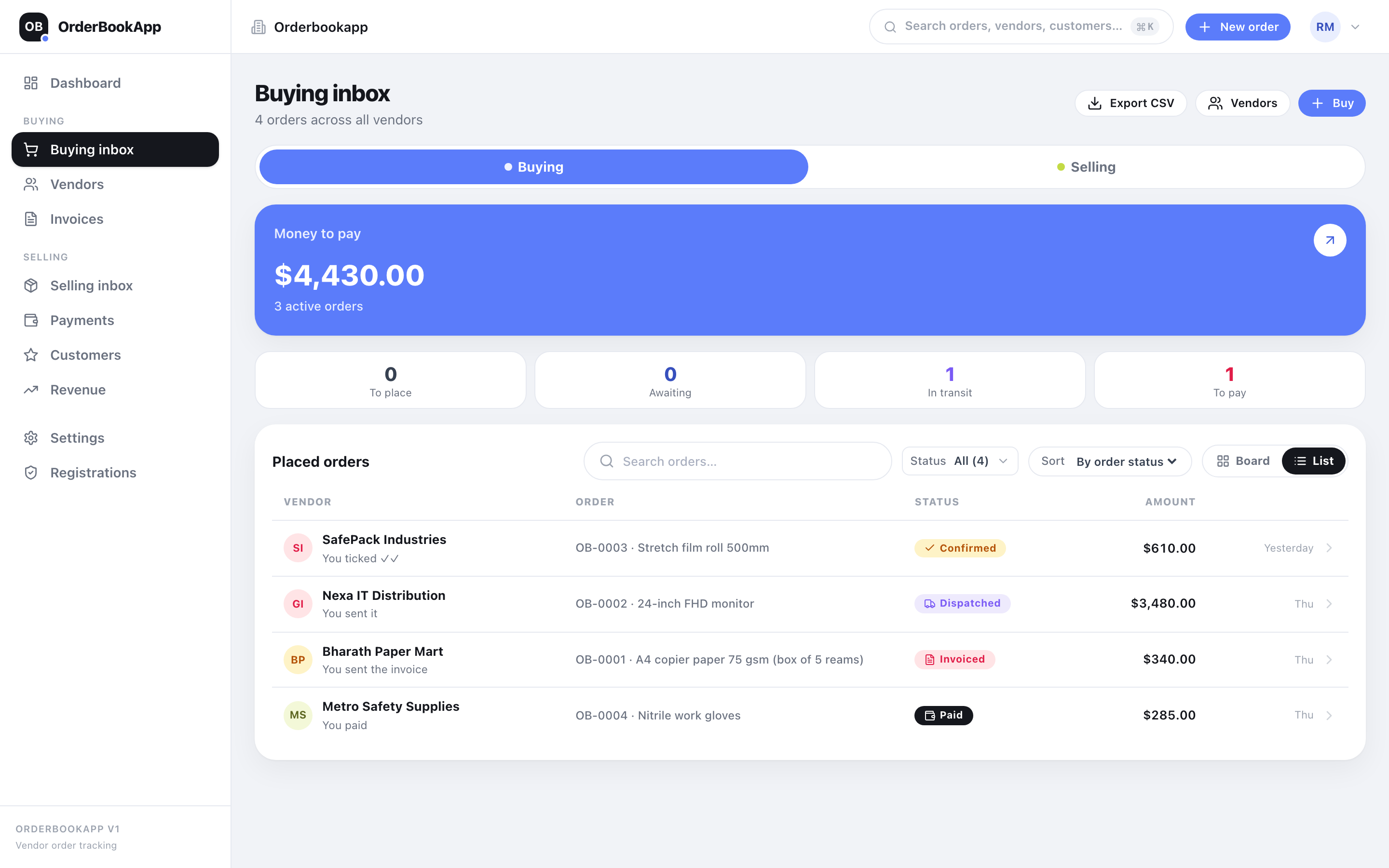
Every open order, sorted by what needs chasing.

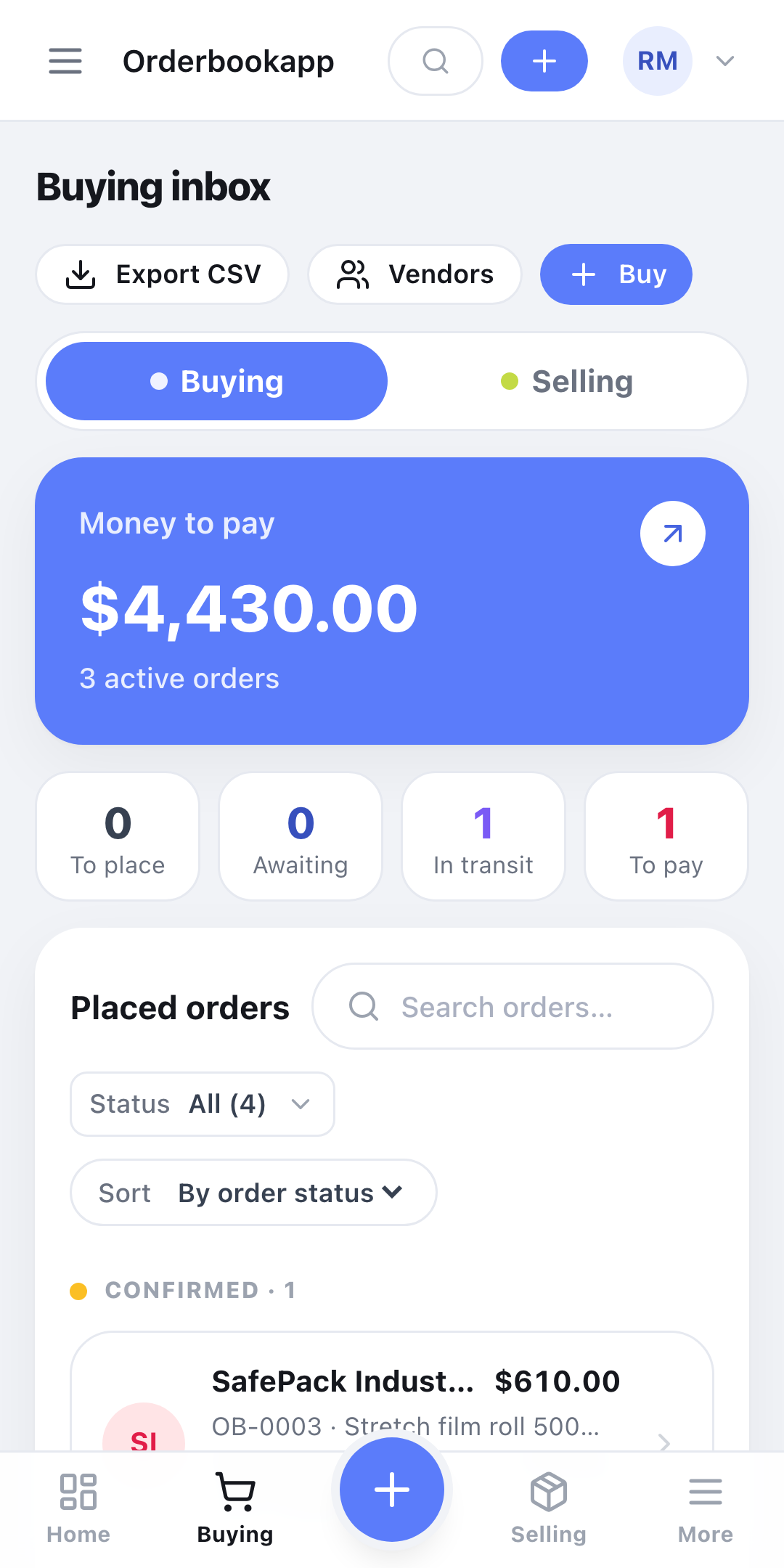
The order board holds every live order as a list or a kanban, sorted by what is overdue rather than what was typed last. Whether you moved it or your vendor or customer did, the status is here, not buried in a chat.

03

The whole life of an order on one screen.

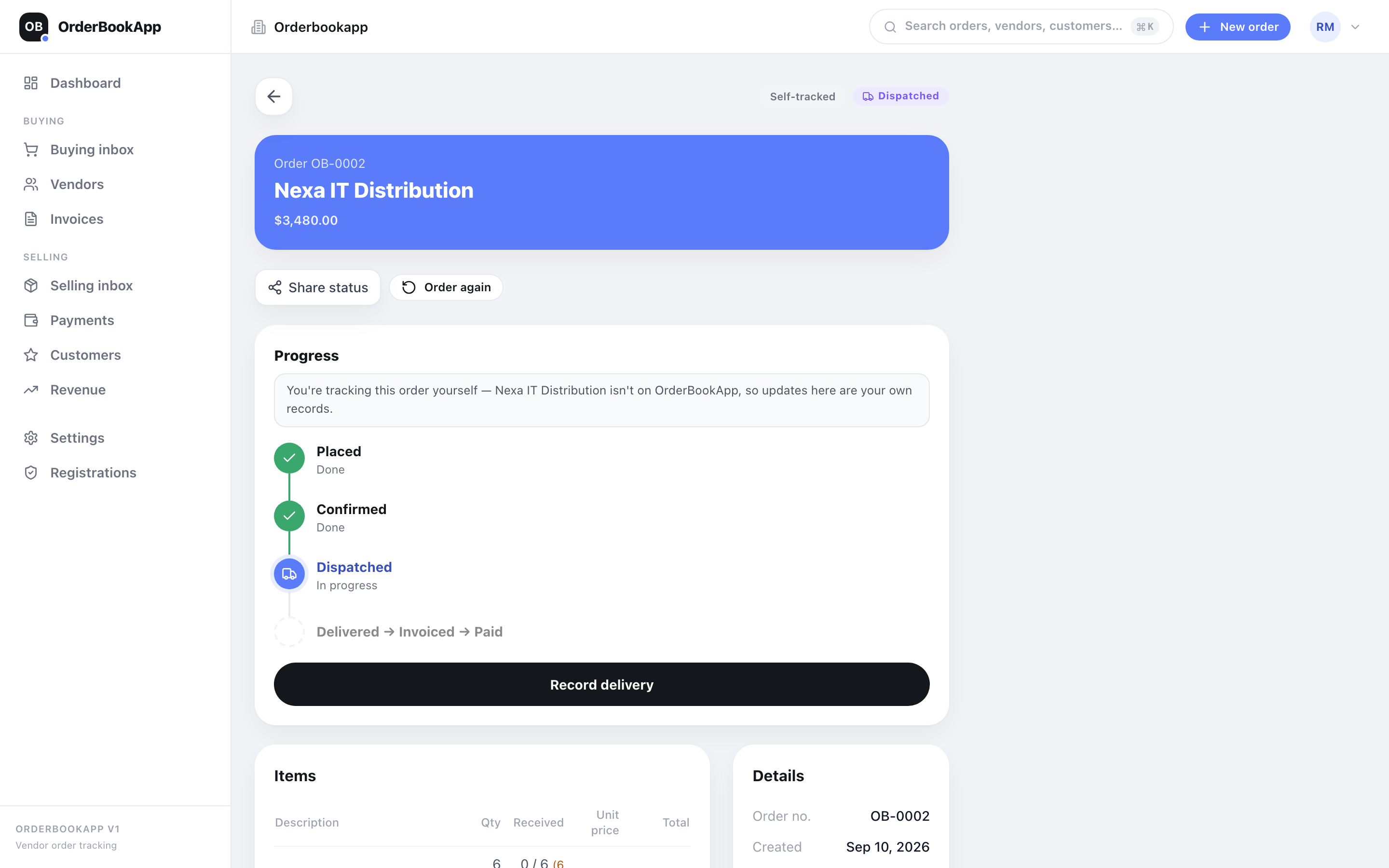
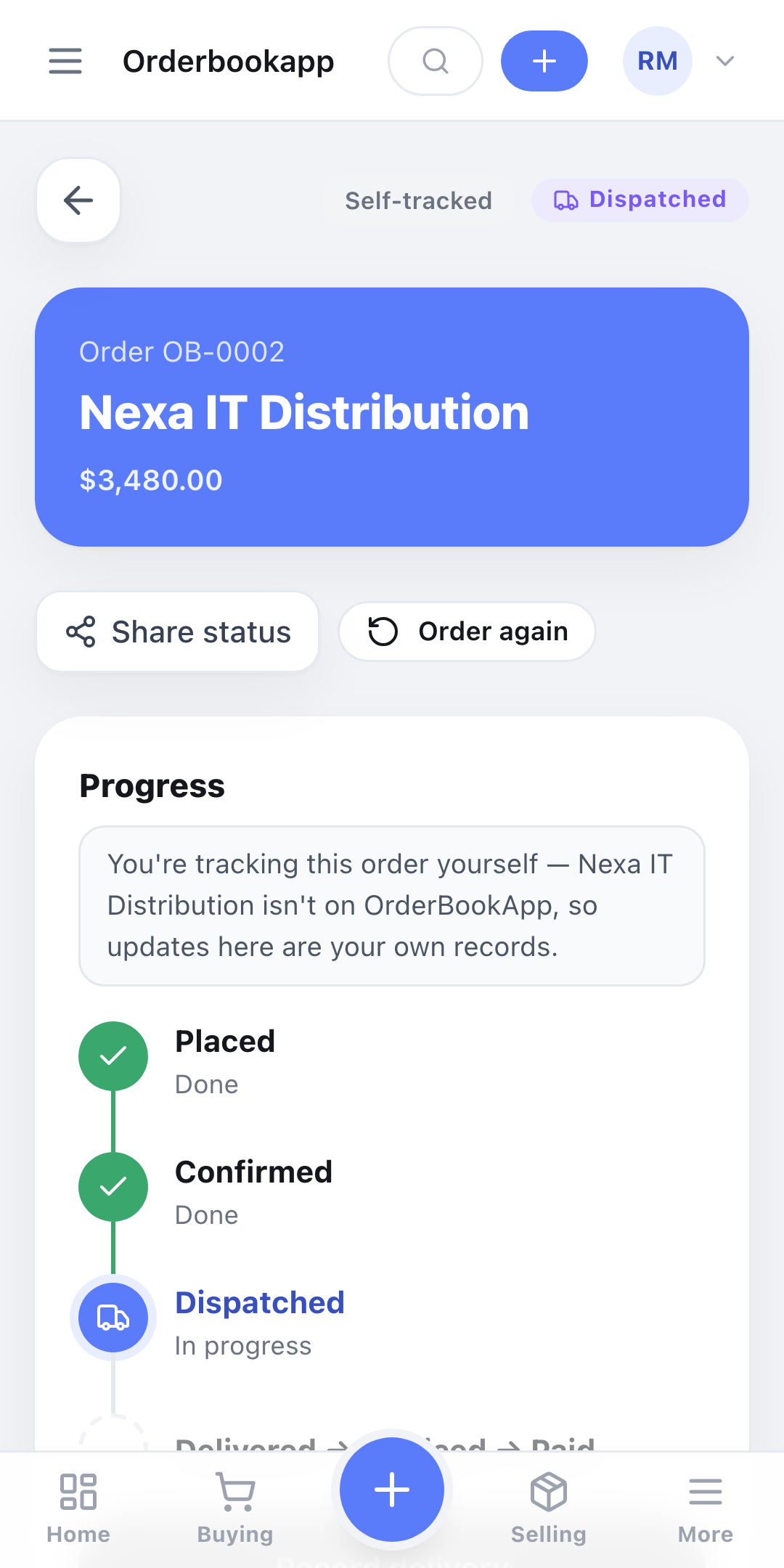
Line items, a status timeline with the name of whoever moved it (you, your vendor or your customer), part deliveries per line, the invoice attached, the payments logged. Open it six months later and the whole story is still there.

04

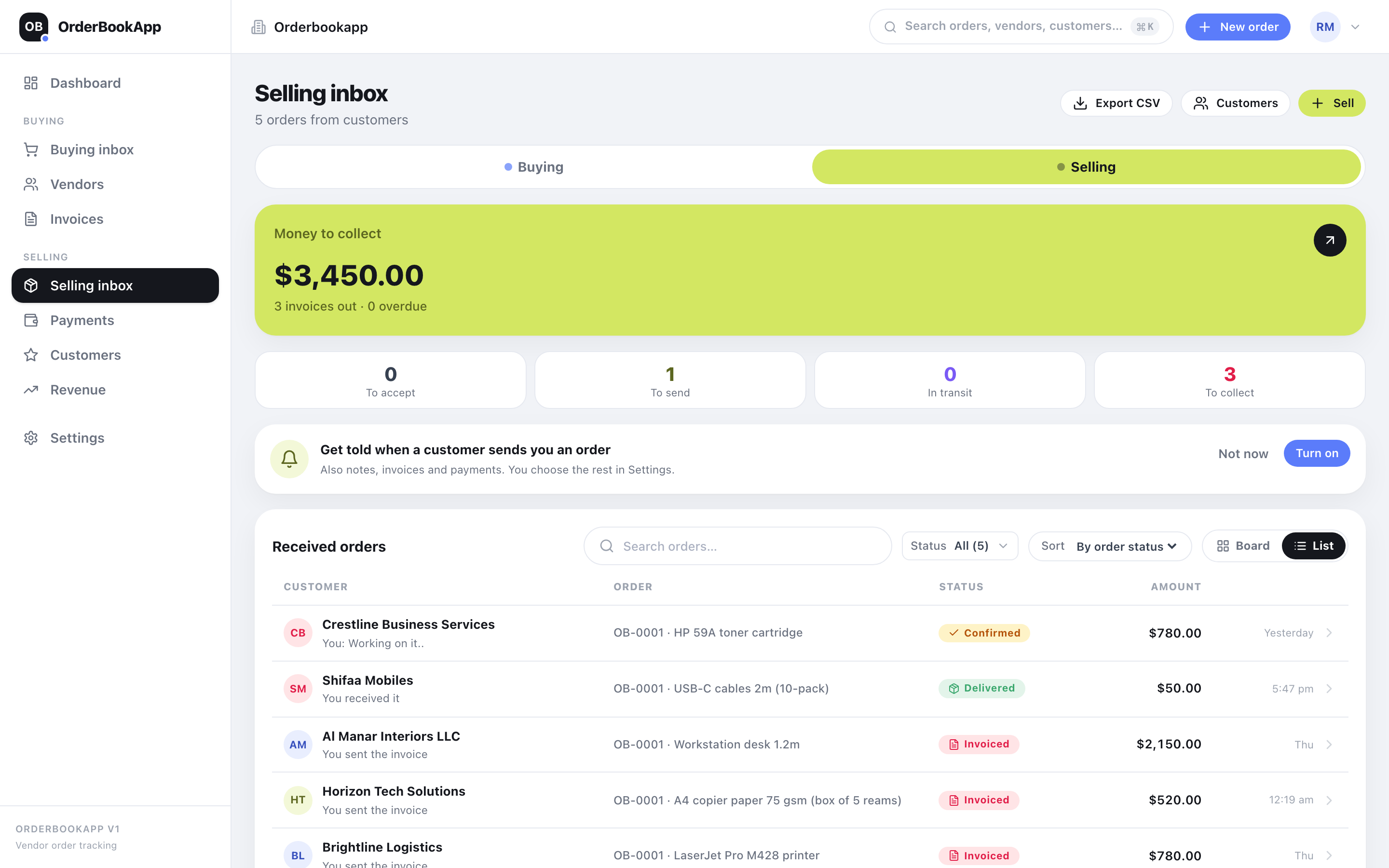
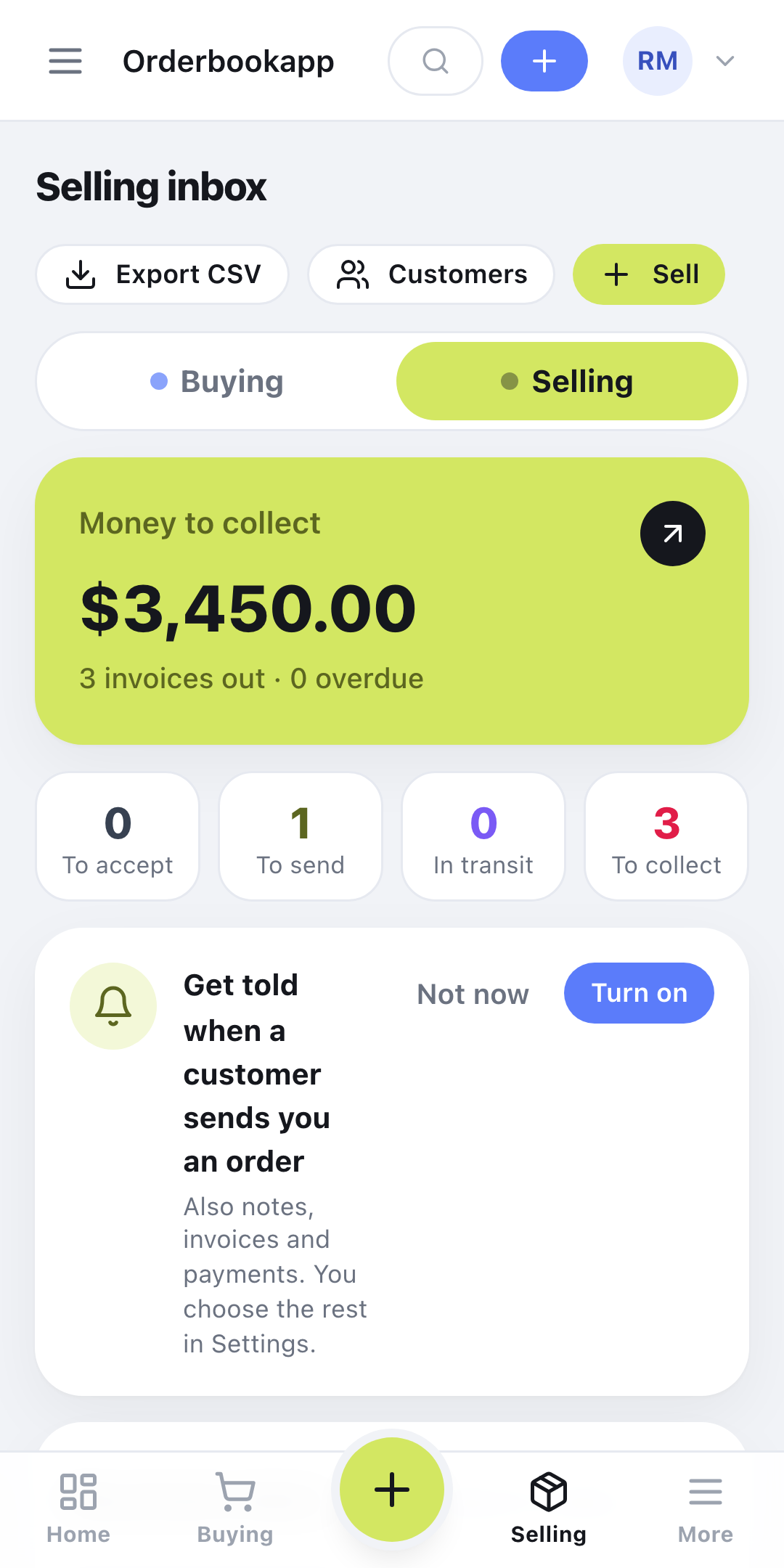
Orders your customers send you land here too.

When a customer places an order with you, it arrives in your received inbox. The same order shows on both sides at once, so acknowledging it, dispatching it and invoicing it updates their copy as well.

05

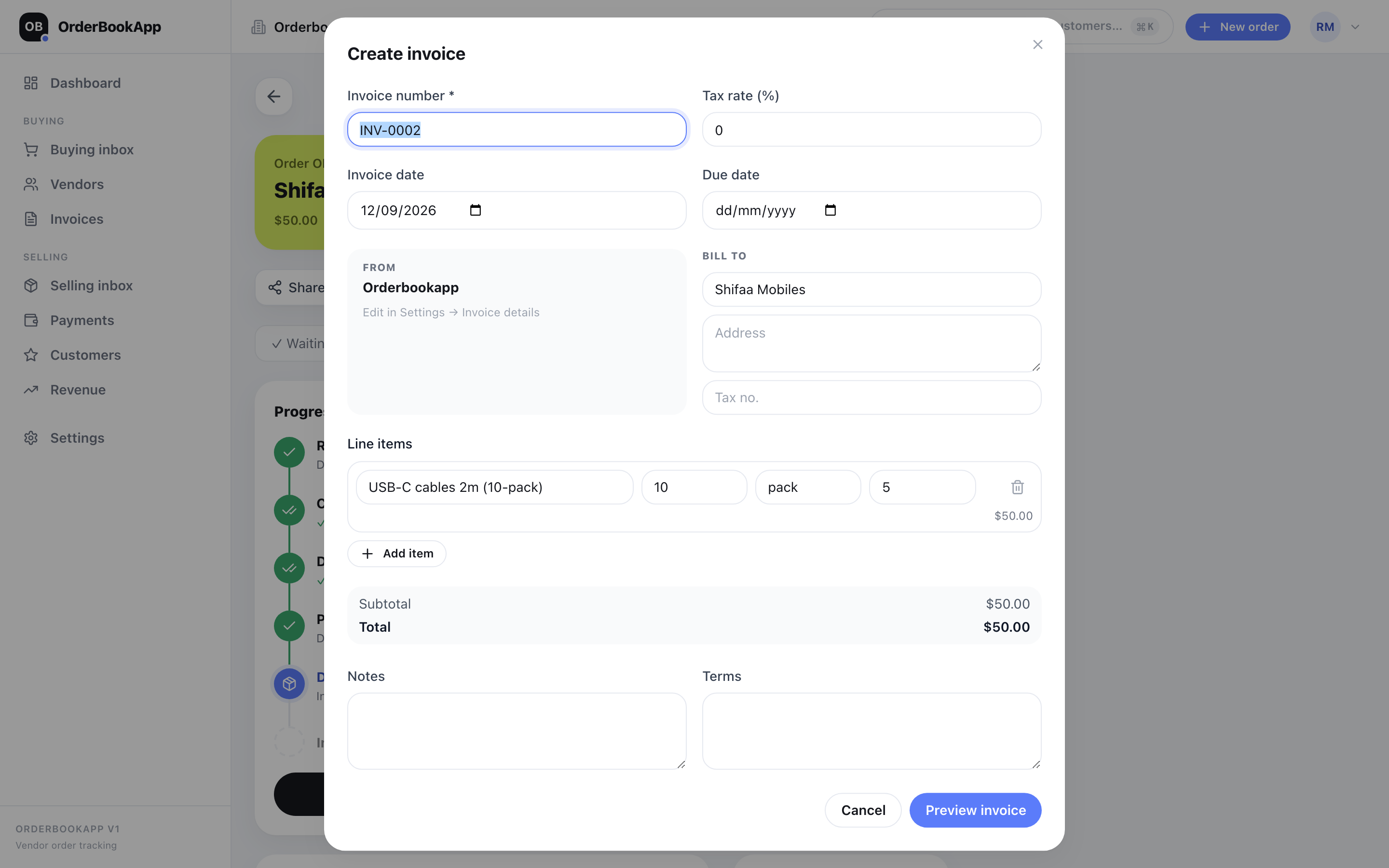
Invoices that write themselves from the order.

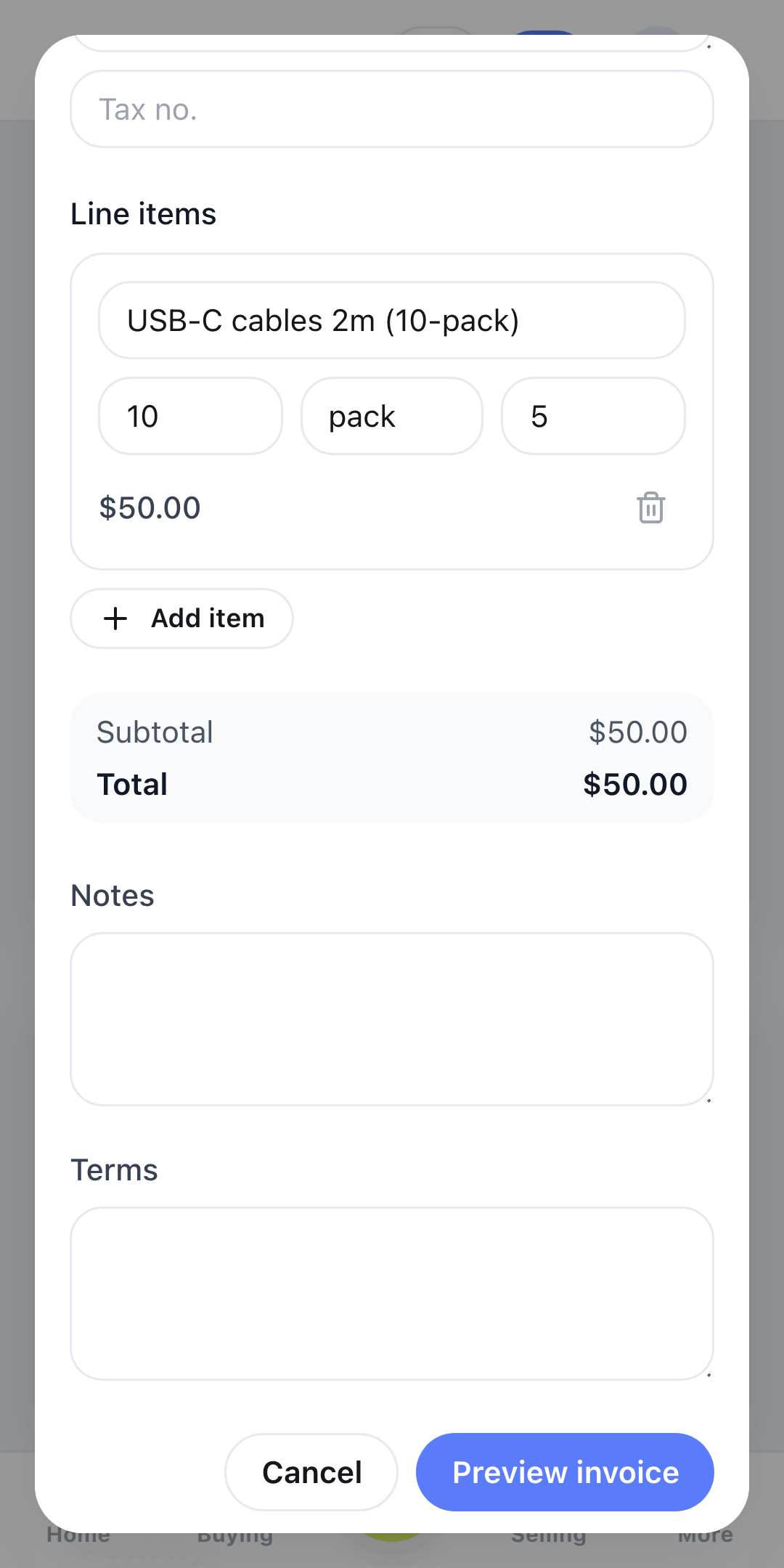
The invoice starts from the order, so lines, quantities and amounts are already filled in. Produce the PDF, share it on WhatsApp or email, then log the payment when the money lands.

Your vendors and customers, your call

Track it yourself, or let your vendors and customers do it. Both free.

Every order works either way, and you can switch per vendor or customer whenever you like.

Self-tracked

Your vendor or customer is not on OrderBookApp yet? No problem. Share the order on WhatsApp or email, then move it along yourself: confirmed, dispatched, delivered, paid. The board stays true because you keep it true.

Works from day one

Vendor or customer updated

Invite the vendor or customer with one tap. They open the order in a browser, no app and no fee, and mark it confirmed, dispatched or invoiced themselves. You see the change the moment it happens, with their name on it.

Free for every vendor and customer, forever

A clear path from placed to paid, whoever moves it.

  1. 1Draft
  2. 2Placed
  3. 3Confirmed
  4. 4Dispatched
  5. 5Delivered
  6. 6Invoiced
  7. 7Paid

Every order moves through all seven. Each step is timestamped and carries the name of whoever moved it.

How it works

Running by the end of your coffee

No implementation phase, no training week. Three steps and your first order is already on the board.

01

Add your vendors and customers

Name, category, WhatsApp number. That’s the whole setup. No onboarding project, no data migration, nobody billing you for a discovery workshop.

02

Share it the way you always have

Send it on WhatsApp or email with one tap, or share a secure order link. Your vendor or customer opens it in a browser. Nothing to install, no password to forget, no charge to them.

03

Keep the status central

Move it through confirmed, dispatched, delivered yourself, or let your vendor or customer do it from their free login. Record part deliveries, attach the invoice, log the payment. Nothing lives only in someone’s chat history.

Features

Everything an order needs after you place it

Writing the order takes two minutes. The six weeks of chasing that follow are the part nobody budgets for.

One order board

Every open order in a list or kanban view, sorted by what needs chasing. Nobody has to ask "where is that order?" The board already answered.

WhatsApp, built in

Send the order, a reminder or a delivery chase straight into WhatsApp or email, pre-filled and formatted. Vendors and customers change nothing about how they work; the status change lands here.

Partial delivery & GRN

Half the pallet arrived? Record what was actually received against each line, and the order keeps an honest balance instead of a hopeful one.

Invoices & payments log

Attach the invoice to the order it belongs to, and log payments against it. Then what’s outstanding, and to whom, stops being a guess.

Statements you can share

Generate a clean statement of orders, invoices and payments for any vendor or customer, and send it over. Free on every plan.

Free logins for vendors and customers

Invite any vendor or customer. They get their own login at no cost, see only the orders you share with them, and update status themselves. Everyone you trade with, one portal.

Named activity trail

"Ravi marked Dispatched · 2h ago." Every move on an order carries the name of whoever made it, so a handover or a disagreement stops being archaeology.

Mobile apps

Also in your pocket. Soon.

The Android and iOS apps are in review. Until they land, OrderBookApp installs to your home screen as a web app today — same account, same order book.

Google PlayComing soonApp StoreComing soon
Install as a web app

Pricing

Free for one person. Cheap for a team.

No order limits, no vendor or customer limits, no per-order fees. We charge for seats, and only once you actually have a team to seat.

Free

For the one person who currently holds every order in their head.

$0forever
  • 1 user, forever
  • Pro included for your first 3 months
  • Unlimited orders, vendors and customers
  • Buy and sell sides (placed and received orders)
  • WhatsApp sharing + secure order links (vendors need no account)
  • GRN, invoices, payments and PO PDF
  • Shareable statements
  • 500 MB for photos and files
  • Documents carry a small "Sent with OrderBookApp" line
Create free account

No credit card required.

Pro

For the solo business that wants its own name on every document.

$9/ month, 1 user

$90 a year.

14-day money-back guarantee.

  • Everything in Free
  • Your logo on POs, invoices and statements
  • No "Sent with OrderBookApp" line
  • 5 GB for photos and files
  • Still 1 user — add people with Team
Start with Pro

Cancel any time.

Team

Most popular

When the work is shared and you need to know who did what.

$29/ month, up to 5 users

$290 a year — two months free.

30-day free trial when your first staff member joins. No card.

  • Everything in Pro
  • Up to 5 users
  • Staff join from a link you share — no email needed
  • Per-seat access: buying, selling, edit or view-only, see amounts
  • Owner-only payments
  • Named activity trail: who placed, acknowledged, paid
  • CSV exports for your accountant
  • 20 GB for photos and files
Start with Team

No card to start. Cancel any time.

Up to 20 users? Business is $79 a month or $790 a year: everything in Team, accounting exports for Tally, QuickBooks, Xero and Zoho Books, and priority support. More than 20? Email [email protected].

Prices shown in US dollars. Your payment provider charges in your local currency at checkout; prices are set per country, never converted.

FAQ

Straight answers

Is it really free?

Yes. One user is free forever: unlimited orders, vendors, customers, statements and WhatsApp sharing, and we never ask for a card. Pro adds your logo to every document; Team (up to 5 users) adds your staff.

Do my vendors and customers need to install anything?

No, and they don’t need an account either. You share an order as a WhatsApp message or as a secure link they open in any browser. Each link is cryptographically signed, works for that one order only, and expires on its own, so nobody guesses or browses their way into your order book. If they do sign up later, the same order shows up on their side too.

Will the price change on me?

Free stays free. Paid plans renew at the price you signed up at, and we give at least 30 days’ notice by email before any price change. Nothing starts billing quietly in the background.

Is my data isolated from other businesses?

Yes, and the database enforces it, not just the application code. Every order, invoice and payment row is tagged to your business, and the database refuses to hand back rows belonging to anyone else. Even a badly written query gets nothing.

Does it work on my phone?

It was built mobile-first, and it installs to your home screen as an app (PWA) on Android and iOS with no app store involved. Warehouse staff mark deliveries from the floor. You can check unpaid invoices from the back of a taxi.

We already have a spreadsheet. Why switch?

A spreadsheet can’t chase a vendor or customer on WhatsApp, can’t hand someone a shareable PO link, and can’t tell you who marked a line delivered on Tuesday. OrderBookApp is that spreadsheet with the follow-up attached.

Put your next order somewhere both of you can see it.

Free for one user, forever. Free for every vendor and customer, forever. Your WhatsApp stays exactly as it is.

Create free account